🔹 Check your email for an invitation from Cloud Tax Matters.
🔹 Click Create Account, set your password, and log in anytime.

🔹 Check your email for an invitation from Cloud Tax Matters.
🔹 Click Create Account, set your password, and log in anytime.
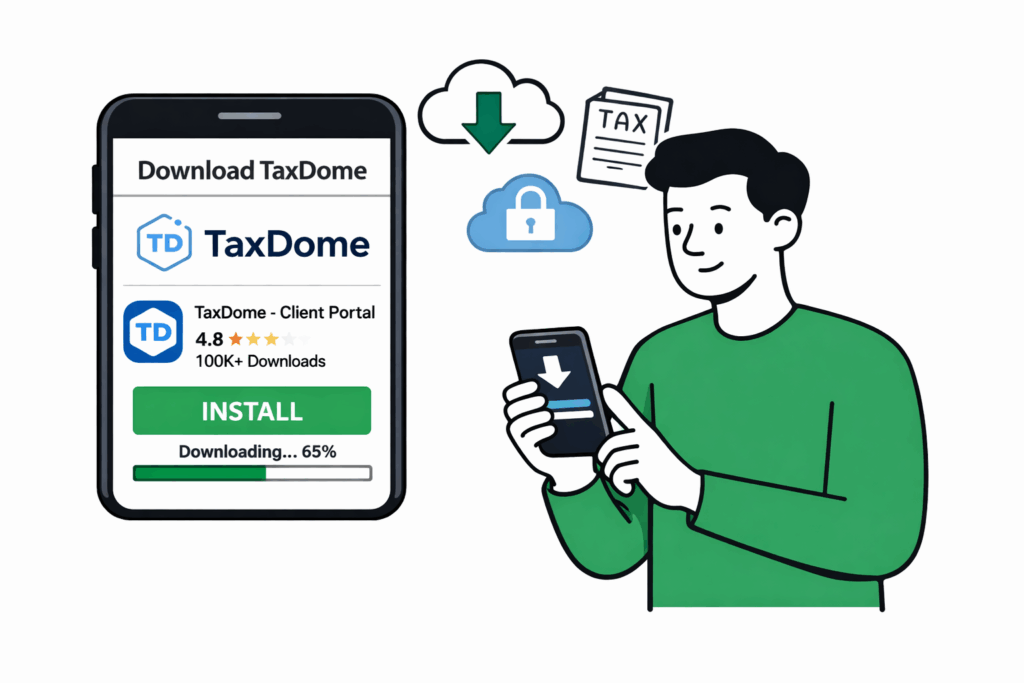
Using your phone makes tax season effortless.
🔹 iphone : App Store – search TaxDome
TaxDome iOS🔹 Android : Google Play – search TaxDome
TaxDome Android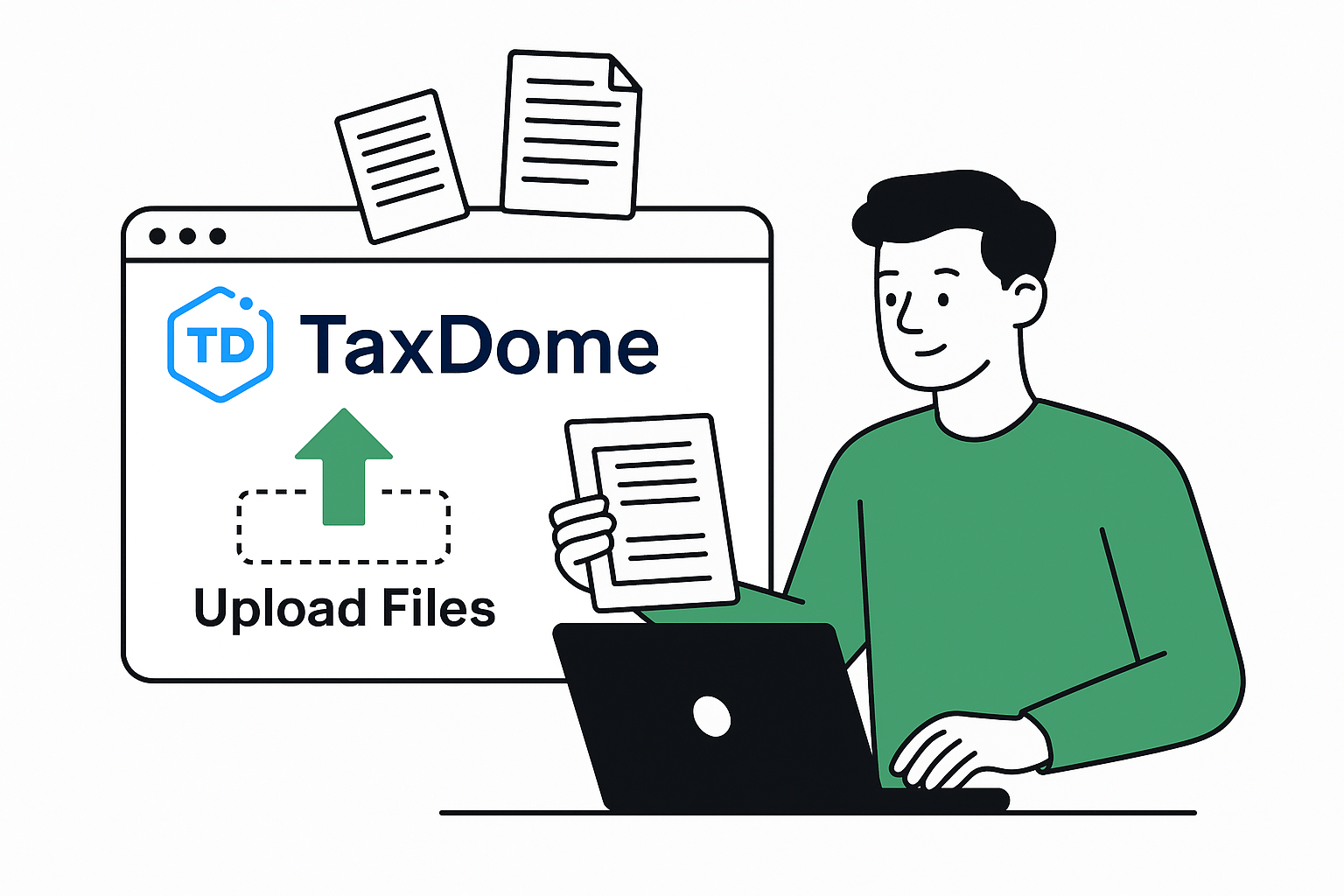
You’ll see a folder labeled ” Client uploaded documents “
On Computer:
🔹 Click Upload Files
🔹 Drag and drop PDFs or scans
🔹 We’ll notify you if anything is missing
On Phone:
Using the TaxDome App
🔹 Open the TaxDome app
🔹 Tap the + button
🔹 Choose Upload from Phone
🔹Take a photo or select from your camera roll
🔹 Tap Upload
Your Documents go straight into your secure folder – no emailing, no scanning.
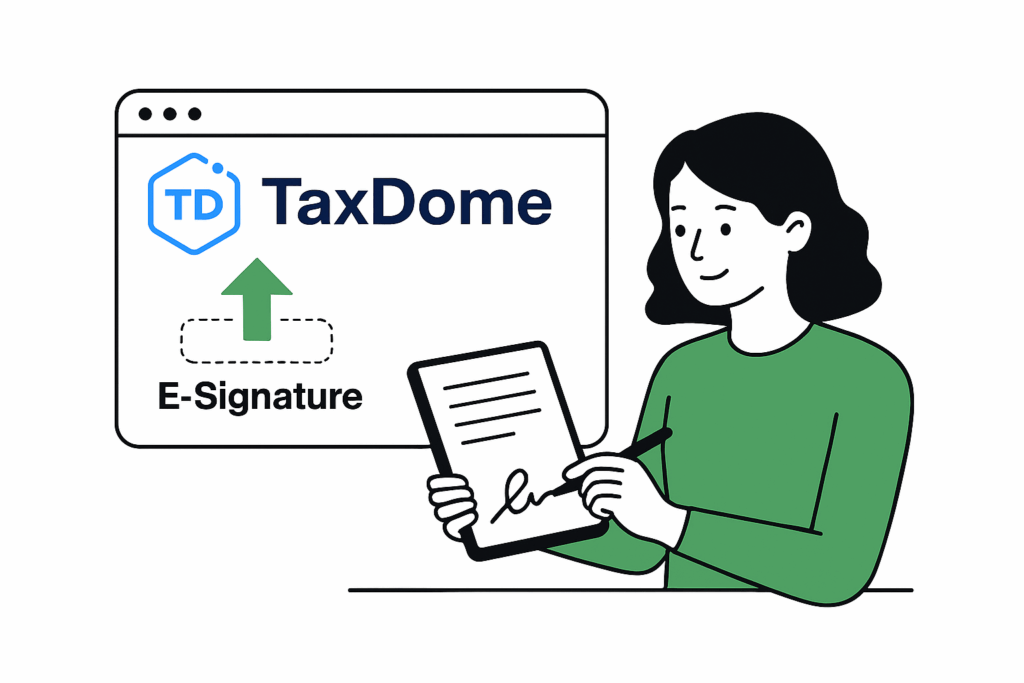
When a signature is needed:
🔹Go to Documents ➡️ Signatures
🔹 Open the Document
🔹 Click Sign
🔹Submit
All signatures are securely stored
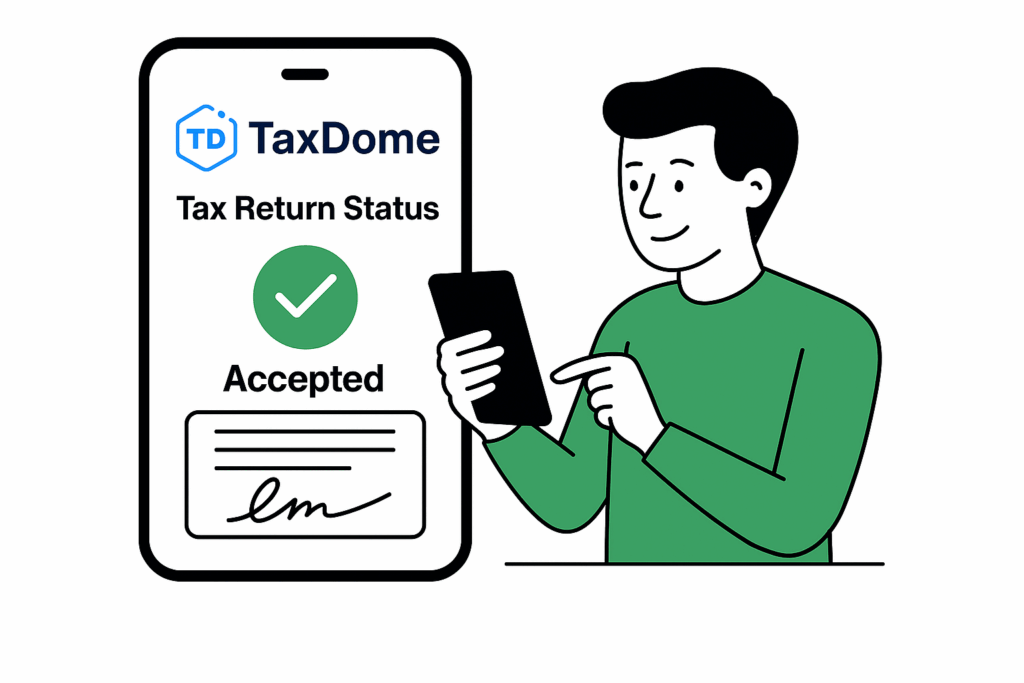
You’ll always know where things stand.
Statuses may include:
🔹 Documents Received
🔹 In Preparation
🔹 Ready for Review
🔹 Awaiting Signature
🔹 Filed
We update these automatically as we work.
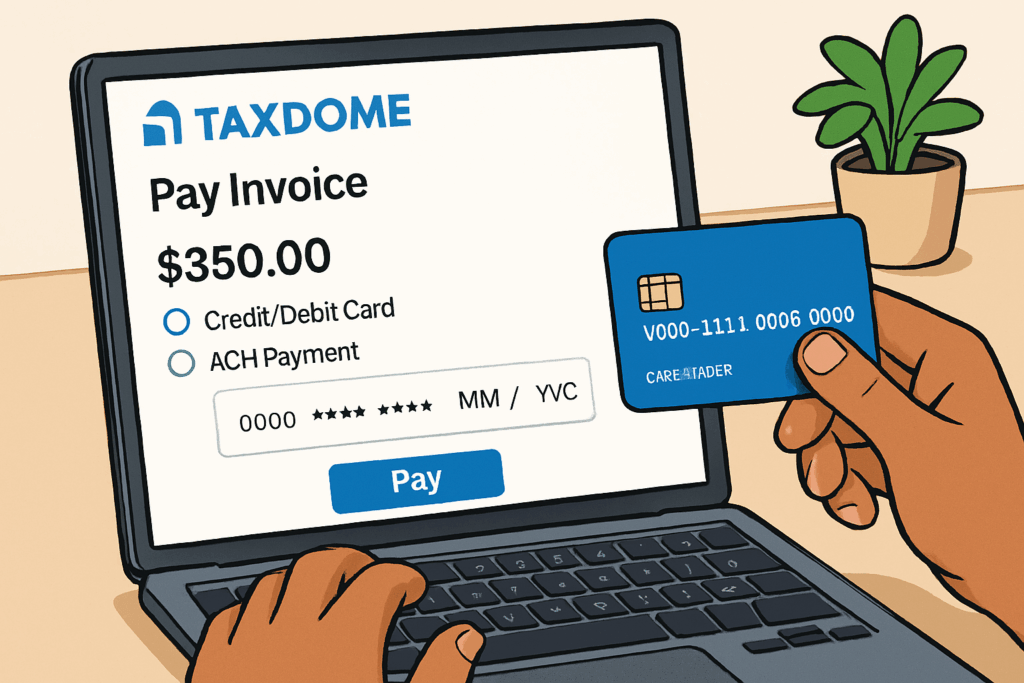
When your return is ready:
🔹 Go to Billing ➡️ Invoices
🔹 Click Pay
🔹 Pay securely by Card
Using Multiple TaxDome Profiles (Personal + Business)
If you use both a personal TaxDome profile and a business profile, keep in mind that TaxDome automatically remembers the last payment method used on each account. This means a personal card may appear by default when paying a business invoice.
To ensure your payment is processed correctly, enter your business payment details manually and avoid using autofill or saved personal payment methods.
How to Enter the Correct Payment Method
• Log in to your account
• Navigate to the Billing or Payments section
• Select Pay and choose a payment method manually
• On the payment screen, select Credit/Debit Card
• Enter your company or personal payment details manually (avoid using autofill or saved payment methods)
• If you use both a business and personal TaxDome account, avoid saving personal payment methods so they don’t override your business information
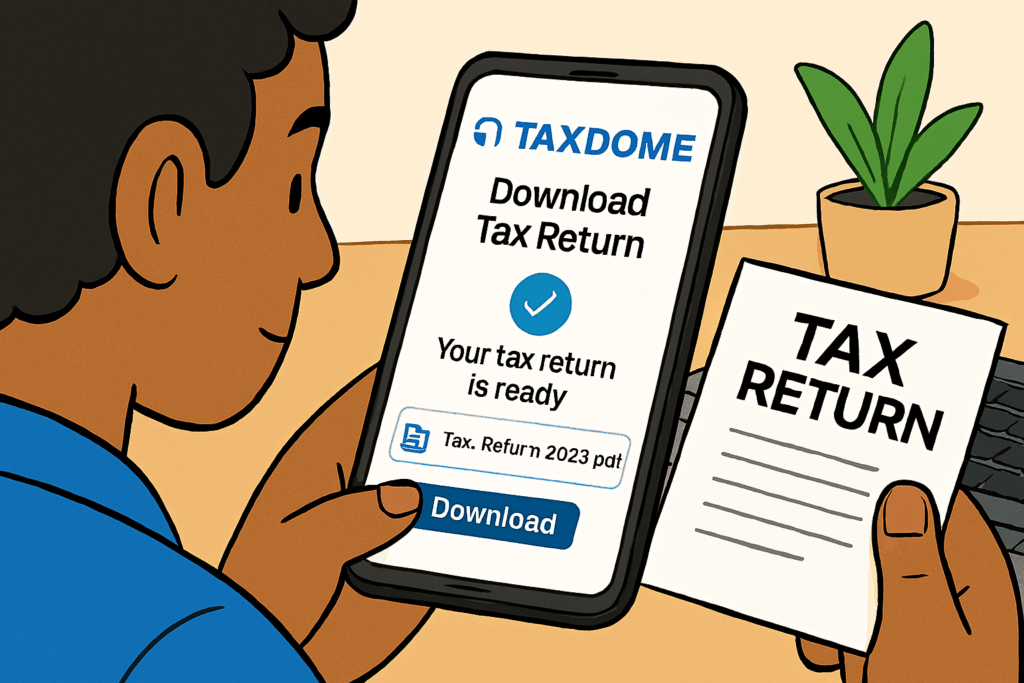
Once filed, your return will be available in your portal
🔹 Go to Documents ➡️ Final Tax Return
🔹 Click Download
We store your returns year-over-year for easy access.
If you run into any issues or need guidance, reach out anytime at Michael@Cloudtaxmatters.com. I’m always here to help.